
Download Babu88 Mobile App for Android & iOS – New 2026 Version
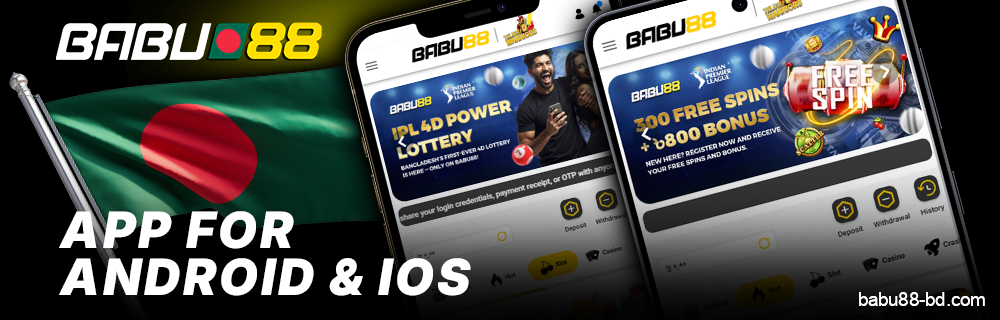
The Babu88 app gives Bengali players the opportunity to experience mobile gambling anytime and anywhere. It doesn’t matter whether you’ve got an Android or an iPhone; anyone can download Babu88. This app is just like the desktop version in every way.
And, if you’re new here, don’t forget to use the BBRGWIN2 promo code.
Get the Babu88 app and start betting from anywhere—you could receive a welcome bonus of up to ৳18,000.
Content
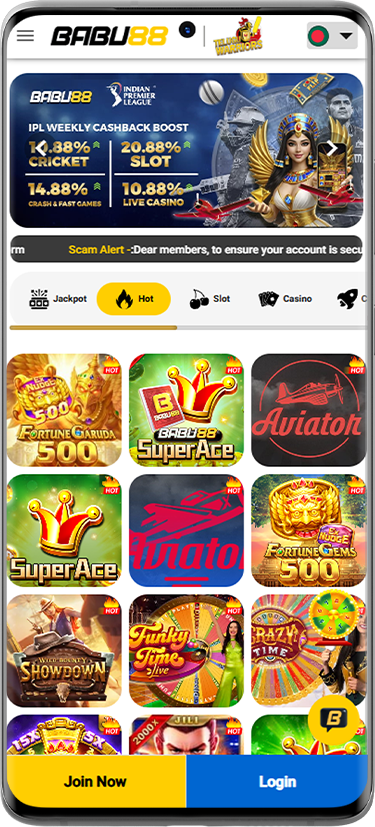
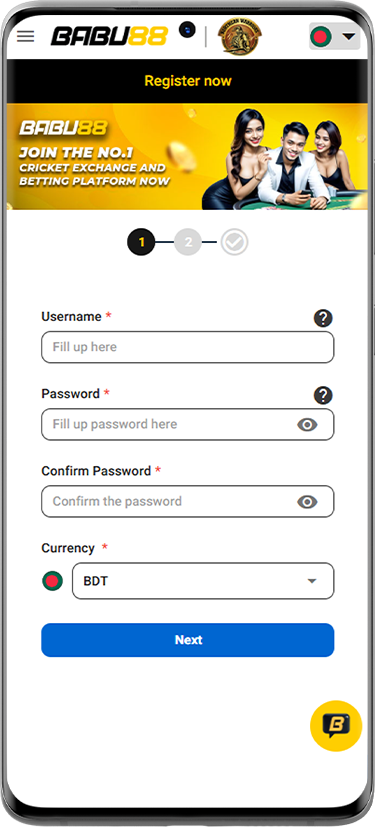
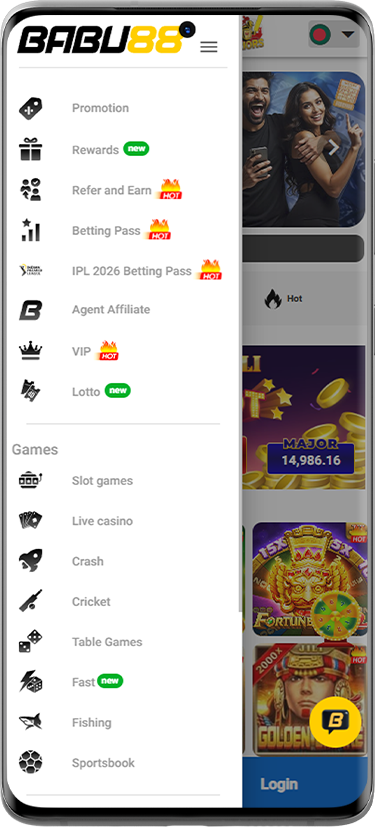
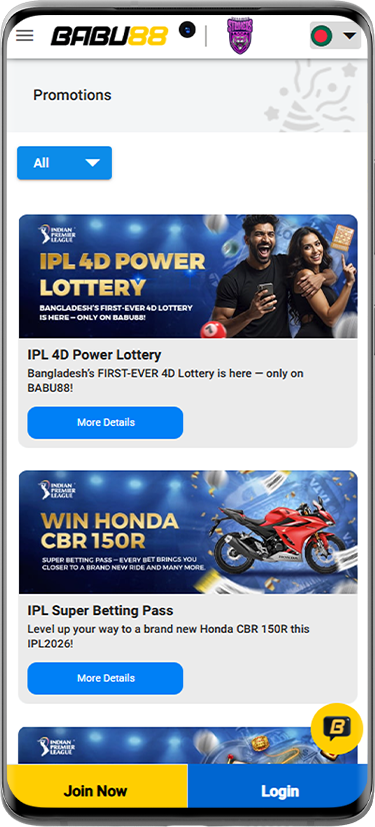
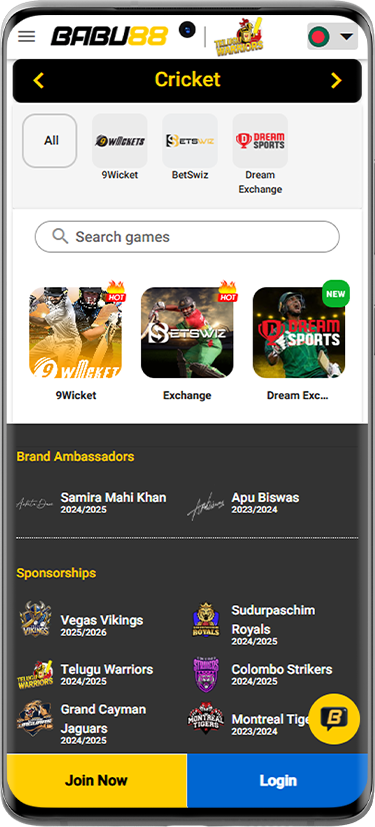
Screenshots of the Babu88 mobile app
What the Babu88 Mobile App Has to Offer
The Babu88 app boasts some features that definitely warrant a closer examination. Here’s a look at its main features and what makes it different from similar apps in 2026.
- Interface design: The layout is simple and neat, featuring a bottom navigation bar for fast access to sports, casino, promotions, and account settings;
- App size and performance: The app stays under 45MB and loads most pages in less than 2 seconds, even on mid-range Android devices;
- Compatibility: It runs on Android 5.0 and above, and iOS 11.0 and above, supporting a range of devices from the last 7 years;
- Security: It employs 128-bit SSL encryption for all data transfers, ensuring personal and financial info stays safe;
- Login options: Users have the choice to log in using email, phone number, or a one-tap biometric option if their device has it;
- Language and currency: The app primarily uses BDT for currency, with Bangla and English as the two language options;
- Customer support access: There’s a live chat button right in the app, available 24/7;
- Update frequency: The app gets patches and updates about every 3 to 4 weeks, keeping it smooth and bug-free.
How to Download the Babu88 App on Android
First things first, check that your Android phone is on version 5.0 or later, and that you have a minimum of 50MB of free space available. You’ll also want to make sure your internet connection is stable, and you have the authority to install apps from unknown sources.
-
Step 1
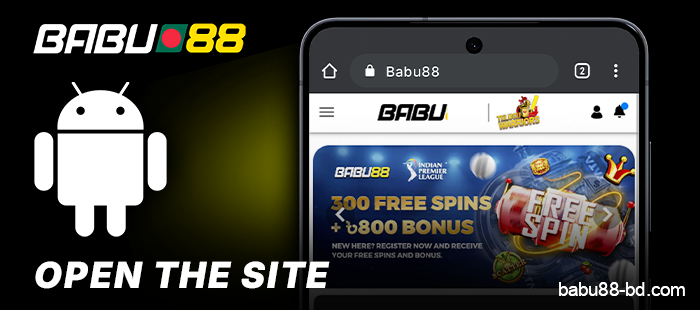
Use any browser on your Android device and navigate to the Babu88 website.
-
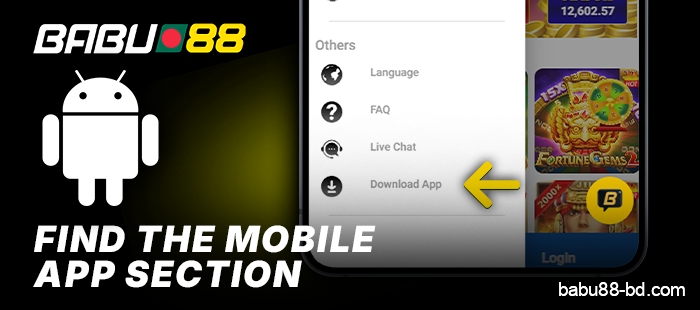
Step 2
Look for the mobile app section on the site.
-
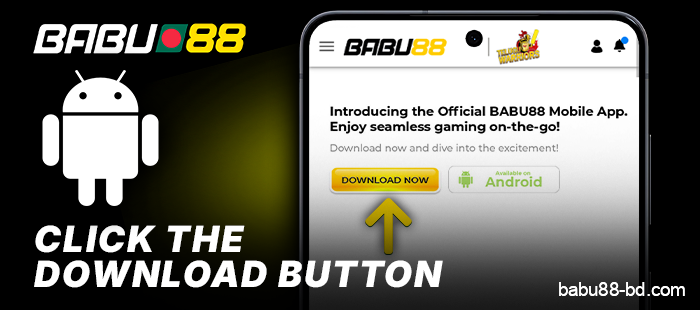
Step 3
Click the download button for Android to grab the APK file.
-
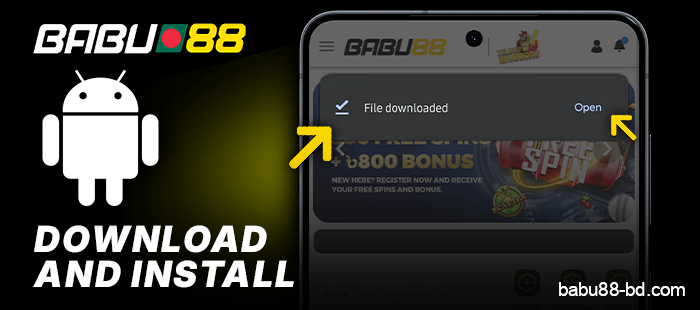
Step 4
Please wait a moment while the APK file downloads—with a good connection, this usually takes less than a minute—and then install the app.
-
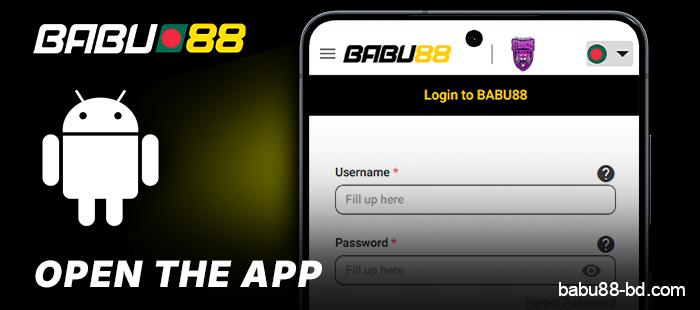
Step 5
Log in with your existing Babu88 account or create a new one right in the app.

How to Set Up the Babu88 App on Your Android Device
Getting the Babu88 app up and running on your Android phone is pretty straightforward. Just follow these steps. The whole thing takes less than 5 minutes and works well on most Android devices that have version 5.0 or later.
- Go to your phone’s Settings and find Security. Look for an option called Install Unknown Apps or Unknown Sources and turn it on.
- Navigate to your Downloads folder and tap the Babu88 APK file you just got.
- A permissions screen will pop up — just tap Allow to give the app the access it needs to work.
- On the next screen, press the Install button and wait for the installation to wrap up.
- Once it’s installed, tap Open to launch the app right away, or find it on your home screen.
- Log in with your current Babu88 account or create a new one to get started.

Things Android Users Need to Know About the Babu88 Mobile App
Android users enjoy some features that iOS users just can’t access.
Before getting the Babu88 app on your Android device, here are some things to understand about its operation on this system.
- Manual installation needed: Since Google Play Store doesn’t permit the Babu88 APK, you’ll need to grab it directly from the Babu88 website — the file size is about 35 MB;
- Toggle for unknown sources: You have to turn on “Install from Unknown Sources” in your Android security settings before installing the APK; otherwise, it won’t go through;
- Minimum Android version: Your device should be on Android 5.0 or above — older models won’t support the app at all;
- Manual APK updates: Unlike app stores, updates don’t come automatically — you’ll need to revisit the site and download the latest APK when a new version is released;
- RAM requirement: The app runs well on devices with at least 2 GB of RAM — anything less might lead to longer load times;
- Screen resolution support: The app adapts to a range of Android screen sizes, even devices with 720p displays;
- Push notifications on Android: You can manage Babu88 push notifications straight from your system settings on Android, giving you more control compared to iOS;
- Battery optimization issues: Some Android devices restrict background apps by default — you might need to set Babu88 apart from battery optimization to keep it working smoothly.
Download the Babu88 App iPhone or iPad — A User’s Guide for Bangladesh
If you’re using an iPhone or iPad in Bangladesh, there’s a way to grab the Babu88 app. Since you can’t find it in the App Store for Bangladesh, change your Apple ID region to Sri Lanka or India, grab the app, and then switch your ID back. The app stays installed and works well with your BDT account.
-
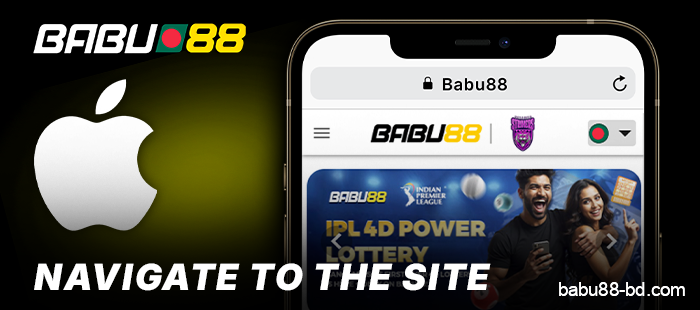
Step 1
Launch Safari on your iPhone or iPad and navigate to the official Babu88 website.
-
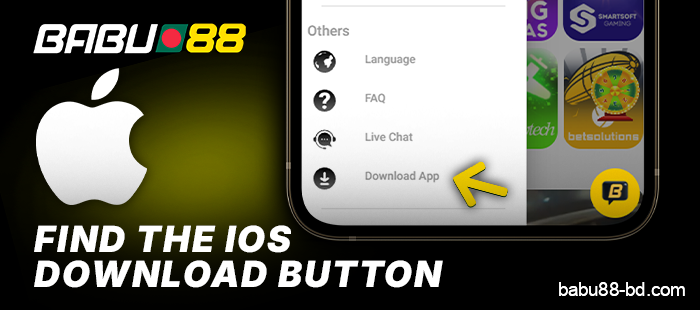
Step 2
Look for the iOS download button on the site and tap it to begin downloading the file.
-
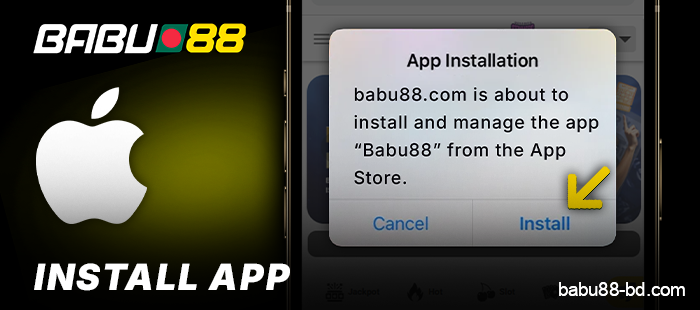
Step 3
Choose “Install” and enter your device passcode when asked.
-
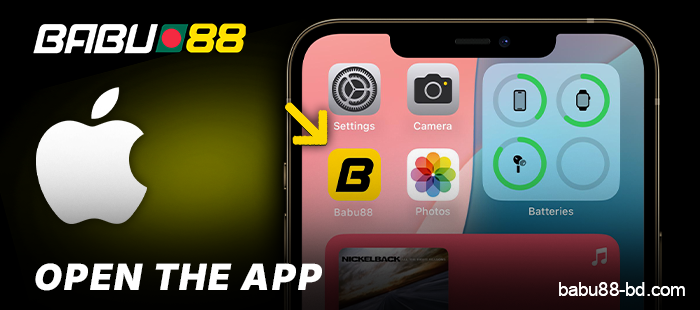
Step 4
Then navigate back to your home screen to open the Babu88 app.
iPhone and iPad Features of the Babu88 Mobile App
The Babu88 app for iOS boasts some unique features that distinguish it from its counterparts.
Take a look at what Apple device users can expect in 2026.
- Sleek interface design: The app sticks to Apple’s Human Interface Guidelines, making buttons, menus, and layouts feel right at home on any iPhone or iPad;
- Face ID and Touch ID login: Forget passwords—just a glance or a fingerprint tap lets you in;
- iOS push notifications: Get alerts for odds shifts, deposit confirmations, and promotions right through Apple’s notification system;
- App Clip support: A version of the app pops up instantly without needing a full install, handy for bet checks;
- Optimized for iOS 17 and beyond: The app runs on Apple’s engine, ensuring load times and less battery drain while you’re live;
- iCloud Keychain compatibility: Your login details get saved automatically through Apple’s password manager;
- Haptic feedback: Vibrations confirm your taps on bet slips and buttons, giving a tactile response for every action;
- Retina display support: Graphics and sports stats look sharp on all current iPhone and iPad Retina screens.
What the Babu88 Betting App Brings to the Table
The Babu88 app combines a selection of betting features all in one spot. Here’s a glimpse of what you can dive into for real-money play at the moment.
- Game library: Explore over 1,000 slots, table games, and live dealer options from names like Evolution and Pragmatic Play;
- Sports betting: Bet on more than 30 sports, including cricket, football, and kabaddi, with markets available before and during the games;
- Live casino: Join dealers at tables — enjoy baccarat, roulette, and blackjack streamed live 24/7 in the app;
- In-play betting: Get live odds that change in real time, so you can place bets while the action’s happening;
- Fishing games: Check out a section with arcade-style games that are perfect for your mobile screen;
- Virtual sports: Play simulated football and horse racing any time, no real games scheduled;
- Crash games: Try games like Aviator, where the multiplier climbs until it suddenly stops — cash out whenever you want;
- BDT support: All bets and payouts are in Bangladeshi Taka, so you don’t need to worry about currency swaps;
- Live streaming: Watch select sports events right in the app, directly linked to your betting slip;
- Promotions: Grab bonus offers tied to certain games and sports, updated regularly through the app’s promo section.
How the Babu88 App Stays Current
The Babu88 app has an automatic update feature that looks for new versions on its own. Updates download in the background when you’re not using your device or connected to Wi-Fi, installing themselves without disrupting what you’re currently doing, usually finishing in under 2 minutes. These updates provide quicker loading times, fix bugs, introduce new BDT payment options, refresh odds feeds, and include security upgrades to safeguard your accounts and funds. You can control auto-updates in the app’s Updates section, where it’s easy to switch automatic updates on or off or choose to run them only on Wi-Fi to conserve mobile data. Updates come out every 3 to 4 weeks, with larger releases happening 4 to 5 times a year that bring changes to the UI or add new features. If an update doesn’t go through, users can start a manual update from the Updates section.
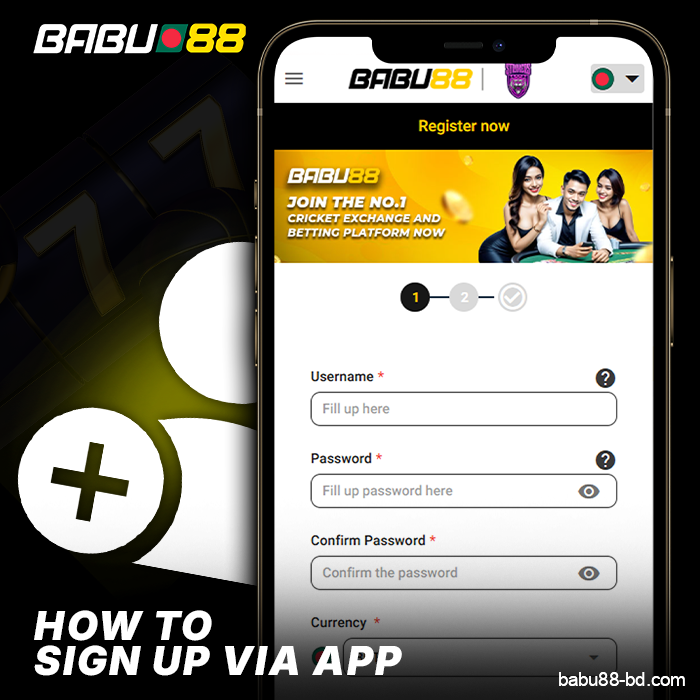
Get Started on Babu88 Using Your Phone
New users can set up a Babu88 account right from their phone with just a couple of simple steps. The process is straightforward, and the app walks you through every step without any hassle.
- Grab the Babu88 app from the official website and install it on your Android or iOS device.
- Launch the app and hit the “Register” button on the main screen.
- Fill in your full name, email address, and a valid phone number in the registration form.
- Come up with a password that’s at least 8 characters long.
- Pick BDT as your preferred currency from the dropdown menu.
- Input a referral or promo code if you have one, then proceed to the next step.
- Check the box to confirm you accept the terms and conditions.
- Tap “Submit” to send off your registration details.
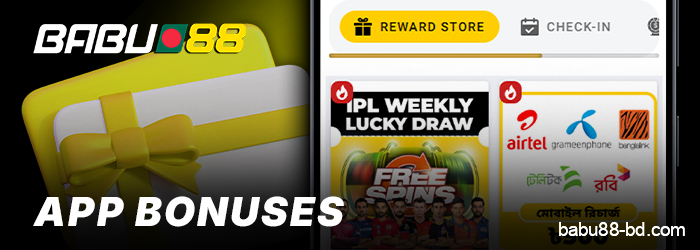
Mobile App Reward Offers at Babu88
If you’re a new user downloading the Babu88 app in 2026, you can snag a welcome bonus of up to ৳10,000 on your initial deposit. Here’s a brief overview of what app users can take advantage of and how to go about it.
- Welcome Deposit Bonus: New users of the app receive a 100% match on their initial deposit, up to ৳10,000. All you need to do is sign up through the app, deposit a minimum of ৳500, and the bonus will be added to your account automatically;
- Free Bet Offer: Users can grab a ৳200 free bet after placing their first sports bet of ৳300 or more — you don’t need a promo code; the app takes care of it;
- Reload Bonus: Every Friday, active users get a 20% reload bonus on deposits, up to ৳3,000. Just log in, make a deposit, and the bonus will show up within 24 hours;
- Cashback Deal: The app offers a 10% cashback on net losses each week, with a maximum of ৳2,000 — it’s credited every Monday to your app wallet;
- Referral Bonus: Share a friend’s link via the app and earn ৳500 when they make their first deposit of ৳300 or more;
- Wagering Requirements: Most bonuses come with a 10x rollover condition — check the promotions section in the app for the complete details on each offer.
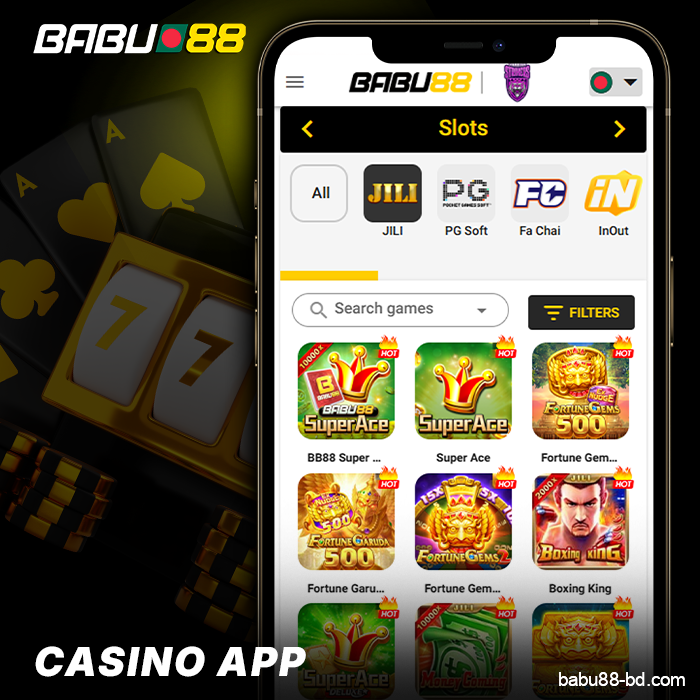
Slot Machines and Table Games on the Babu88 Mobile App
The Babu88 mobile app has a casino selection featuring slots, live dealers, and various table games.
Providers such as Evolution, Pragmatic Play, and Ezugi drive the content.
Games are organized into categories. Popular slot games feature Gates of Olympus, Sweet Bonanza, and Aviator. Table games include blackjack, roulette, baccarat, and poker. Live dealer rooms are open around the clock with live streaming. Fishing games and crash titles are also on offer.
The performance runs smoothly with load times and a responsive interface. You can sort things by category or provider. Bets kick off at just ৳10, while big spenders can go up to ৳500,000 in certain live rooms.
You’ll find more than 1,000 titles in the library, with new ones added every week.
You can play all the games right from your browser or download the dedicated app.
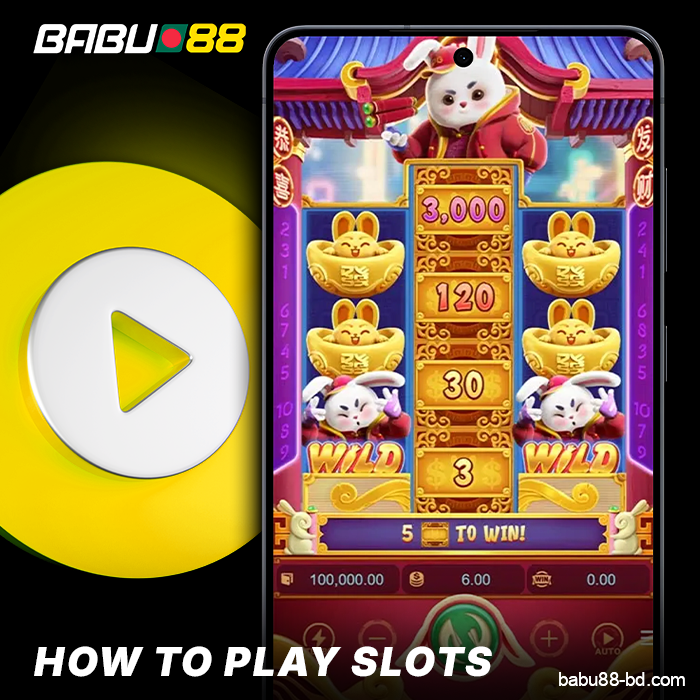
Spin the Reels on Babu88 Mobile: A Step-by-Step Slot Guide
Playing slots on the Babu88 app in 2026 is easy to do. Here are the steps to kick things off and enjoy your mobile slot sessions.
- Launch the Babu88 app and log in with the credentials you registered.
- Click on the “Casino” tab located at the navigation bar.
- Tap on any slot game to see its preview page, then hit “Play” to start.
- Adjust your coin size and the number of active paylines before you hit spin — be sure to check the paytable first.
- Hit the spin button or turn on auto-spin for a set number of rounds, such as 10 or 50.
- Watch your balance in the top corner — it’s a good idea to set a loss limit before you dive in.
- When you’re ready, cash out your winnings using the “Withdraw” option in your account menu.
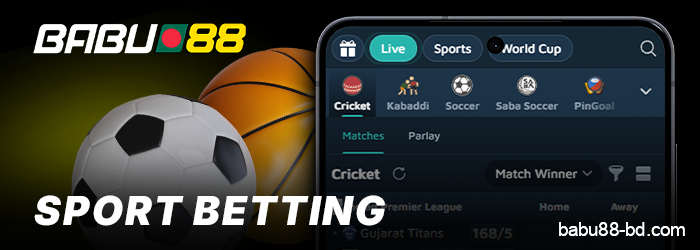
Bet on Sports Anytime with the Babu88 Mobile App
The Babu88 app lets you easily jump into a sports betting area. It includes more than 30 sports, ranging from cricket and football to kabaddi and tennis. Here’s a look at what you can find in the mobile betting section.
- Available sports: You’ll see cricket, football, basketball, kabaddi, volleyball, tennis, and more than 25 other sports listed in the app;
- Betting markets: Each match features a variety of markets — like match winner, total goals, handicap, correct score, and bets focused on individual players;
- Live betting: The app lets you place bets during the game, complete with real-time odds updates. You can place bets even while the match is in progress;
- Live stats: During the game, the app displays live scores and match statistics to help you make decisions;
- Bet slip: Simply add your picks to the bet slip, set your stake in BDT, and confirm your bet — the entire process wraps up in under a minute;
- Combo bets: You can merge up to 10 picks into a single accumulator bet right from your mobile;
- Cash out: Choose active bets that allow for early cash out, letting you close a bet before the match ends;
- Search function: Use the search bar to quickly locate a specific match instead of scrolling through all the events listed.
Babu88 App Payment and Banking Methods
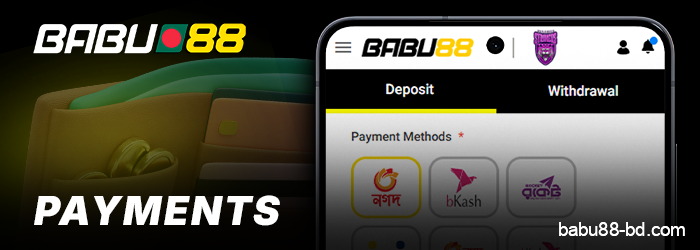
The Babu88 mobile app offers a variety of payment choices for making deposits and processing withdrawals. Here’s a summary of what the app provides in terms of transaction methods and security options.
| Category | Details |
|---|---|
| Deposit Methods | bKash, Nagad, Rocket, bank transfer, card payment |
| Withdrawal Methods | bKash, Nagad, Rocket, bank transfer |
| Minimum Deposit | ৳200 |
| Minimum Withdrawal | ৳500 |
| Deposit Processing Time | Instant for mobile banking transfers |
| Withdrawal Processing Time | Up to 24 hours |
| Supported Mobile Banking | bKash, Nagad, Rocket, Upay |
| Transaction Security | SSL 128-bit encryption on all transfers |
| Mobile-Specific Feature | One-tap deposit via saved mobile banking number |
| Withdrawal Verification | OTP confirmation needed for each withdrawal |
| Daily Withdrawal Limit | ৳50,000 per account |
| Currency | Bangladeshi Taka (BDT) |
Babu88 Mobile Browser – No App Necessary
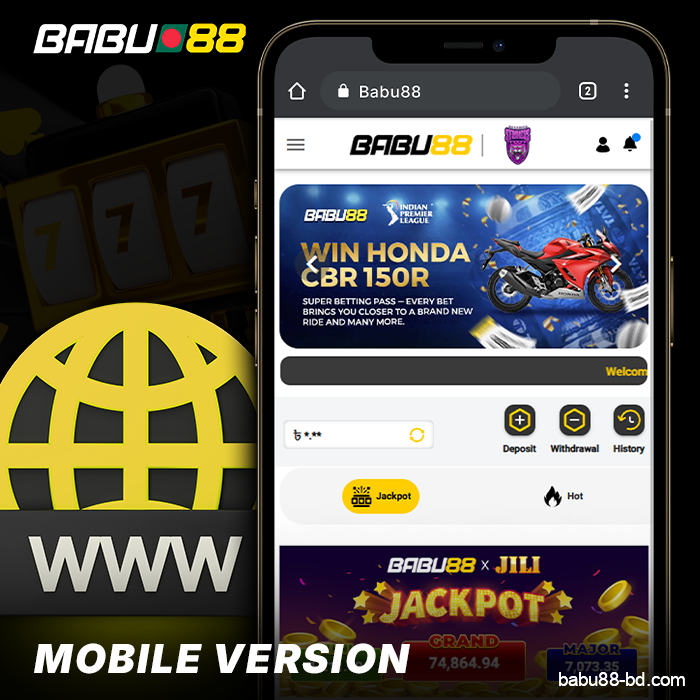
You can use Babu88 right in your phone’s browser, so there’s no need to install anything. The site automatically adapts to your screen size, featuring buttons and menus that function regardless of whether you’re in portrait or landscape mode.
You can access the entire Babu88 catalog — including slots, live casino games, and sports betting with BDT support. It runs smoothly on Chrome, Firefox, Safari, and Samsung Internet without needing updates or any permissions.
The browser version is perfect if you’re short on storage, want to skip app updates, or simply don’t want to clutter your home screen with another icon. It loads games just as quickly as the app on solid connections and can use less data on slower networks since it doesn’t run any background tasks.
All 9 payment options that work on desktop are available through mobile browsers for deposits and withdrawals.
Why the Babu88 Mobile App is Great for Players in Bangladesh
Players in Bangladesh enjoy several benefits from this app that you won’t find elsewhere. Here’s a glance at what makes this especially beneficial for local users in 2026.
- Bangla language support: The app operates entirely in Bengali, so you can easily read menus, game titles, and support chats without needing to switch languages;
- Local payment options: You can make deposits and withdrawals using bKash, Nagad, and Rocket — no need for international cards or other wallets;
- BDT currency: All balances are displayed in Bangladeshi Taka, so there’s no hassle with conversions while you play;
- Regional bonuses: Babu88 offers promotions linked to Eid, Pohela Boishakh, and other local celebrations — these aren’t found in versions aimed at other markets;
- Local customer support: The support crew includes Bengali-speaking agents available via live chat, which really speeds up response times;
- Mobile-first design: Since most folks in Bangladesh go online through smartphones, the app is tailored for that — it uses little data and loads quickly on 4G;
- Cricket-focused content: The app highlights cricket, making it easy to find and bet on IPL, BPL, and national team matches.
Babu88 Mobile App compared to Browser: Which One Should You Choose?
Both choices allow you to game while you’re out and about, but they each function in their own way. Here’s a comparison to guide you in finding what suits your routine for 2026.
| Feature | Babu88 Mobile App | Babu88 Mobile Browser |
|---|---|---|
| Installation | Download required (~45 MB) | No download needed |
| Speed | Faster load times | Slightly slower |
| Notifications | Push notifications available | No push notifications |
| Storage use | Uses device storage | No storage used |
| Login | Auto-login supported | Manual login each time |
| Compatibility | Android and iOS only | Any mobile browser |
| Updates | Manual app updates required | Always up to date |
| Offline access | Partial offline access | No offline access |
| BDT payments | All 8 payment methods available | All 8 payment methods available |
| Graphics quality | Visuals optimized | Visuals |
| Security | Device-level encryption | SSL encryption |
| Game library | Full access to all titles | Full access to all titles |
Help & Assistance Inside the Babu88 Mobile App
The Babu88 app allows users in Bangladesh to quickly find support without having to exit the app. Here’s a glance at the support options and the response times you can expect.
| Support Channel | How to Access | Response Time | Available Hours |
|---|---|---|---|
| Live Chat | Tap the chat icon in the app menu | Under 3 minutes | 24/7 |
| Email Support | Found in the Help section of the app | Up to 24 hours | 24/7 |
| FAQ Section | Built into the app under Help & Support | Instant | 24/7 |
| Telegram | Linked directly from the app | Under 10 minutes | 24/7 |
| Phone Callback | Request via the Contact Us tab | Within 1 hour | Business hours only |
Frequently Asked Questions
Is it possible to actually use the Babu88 app in Bangladesh?
The app holds a license from Curacao and regularly passes all certifications and checks. Keep in mind, you can download the Babu88 app only if you’re 18 or older.
What should I do if a security alert pops up when I’m trying to download the Babu88 app APK?
This happens because your device settings block downloads from unknown sources. You simply need to click on Agree or Continue; no need to stress, the file is secure and has no viruses.
Does the Babu88 app have fewer features than the desktop version?
Not at all! You can use all the features in the app that you have on the website.
Can I delete the Babu88 Bangladesh APK after installing the program?
Absolutely, that Babu88 APK is just for getting the app installed, so feel free to remove it if you want to clear up some space on your device.